
 Paulius Kairevicius
The box is not the ink
Center a logo by its bounding box and it looks off center. I built an agent skill that measures where the eye sees the center of a mark and how large the mark looks. It works with Claude Code, Codex, Cursor, or any agent that reads skills. Every figure in this post is its output, and every number is a measurement of that figure.
Install the skill · Try the demo
The align tools center the Vercel triangle on its disc by its box, the way any layout places it. It looks low, because the wide base pulls the eye down. The skill measures where the eye reads its center and lifts the triangle to it.
Nothing here is specific to Vercel. App icons, favicons, and avatars all put marks in circles and squares, and any mark with its weight away from its box center carries the same error.
The eye reads halfway
There are two obvious ways to center a mark, and both miss. Center its box, and a triangle looks too low, because most of its ink is near the base. Center its weight, and it looks too high, because the eye also reads where a shape ends.
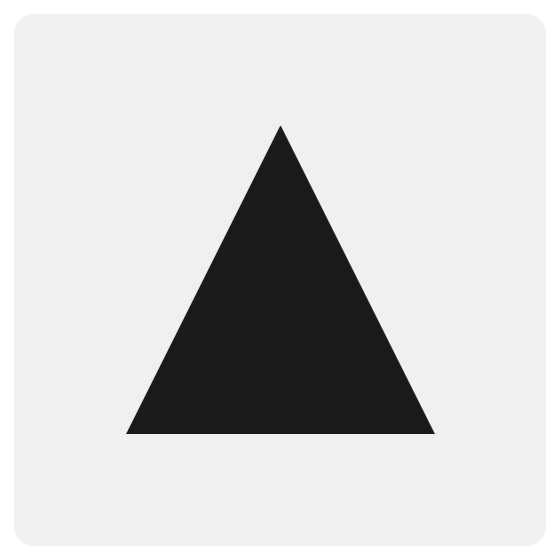
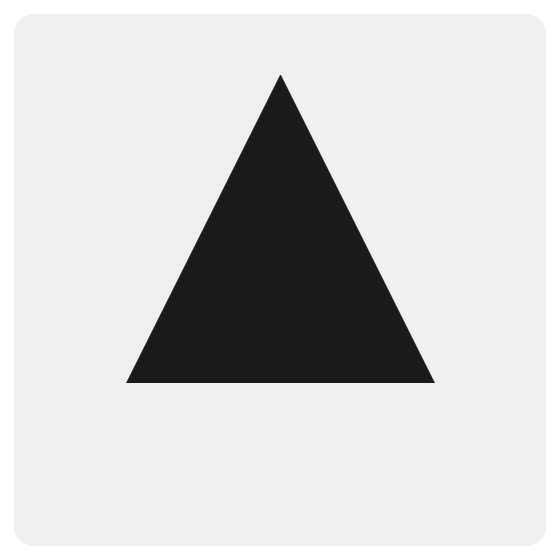
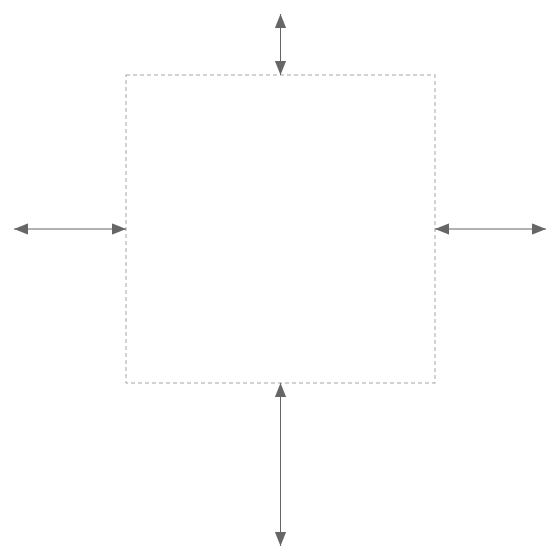
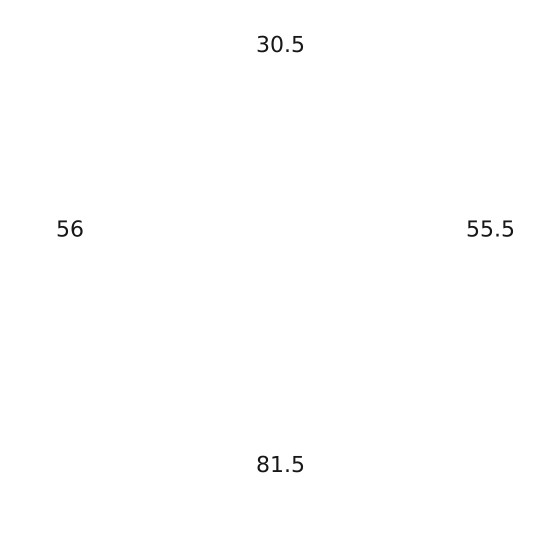
The two misses are almost the same size, in opposite directions, so the eye lands between them. That is the rule: the visual center is halfway between the box center and the weight center. The skill moves a mark until its visual center sits on the center of its container, then measures the result again.
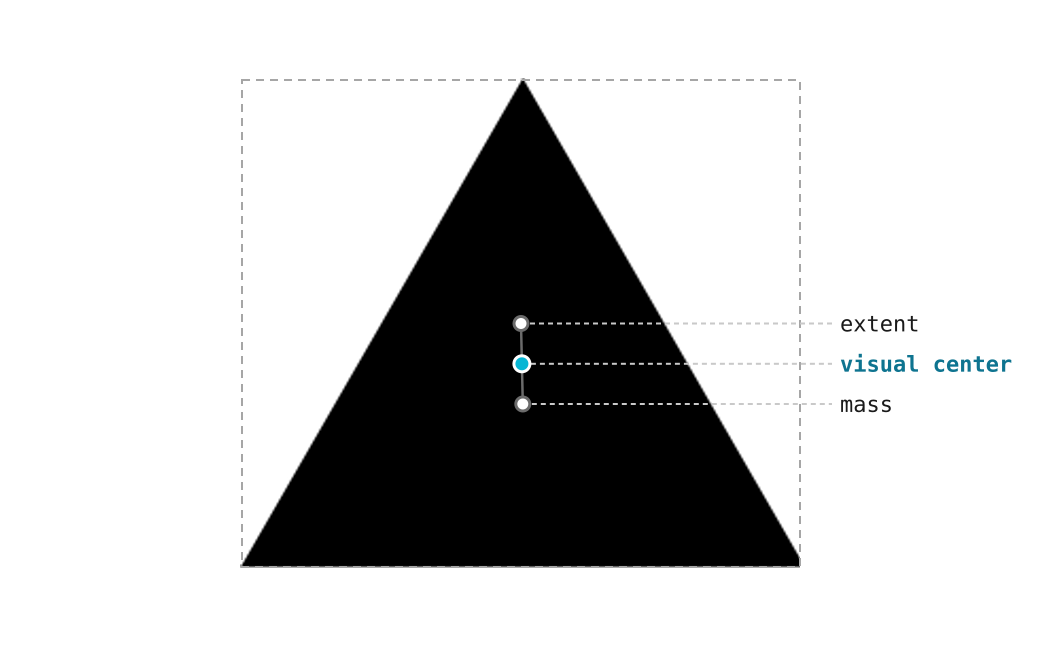


Extent is the box center, and mass is the weight center. On this triangle, they are 16.4% of its height apart.
Every comparison below switches between two placements. Geometric is what a layout does by default: the box sits on the center. Optical is the skill's result: the visual center sits there. Each one flips on its own; pick one to hold it. Off center is the distance from the visual center to the center of the container, as a share of its shorter side.
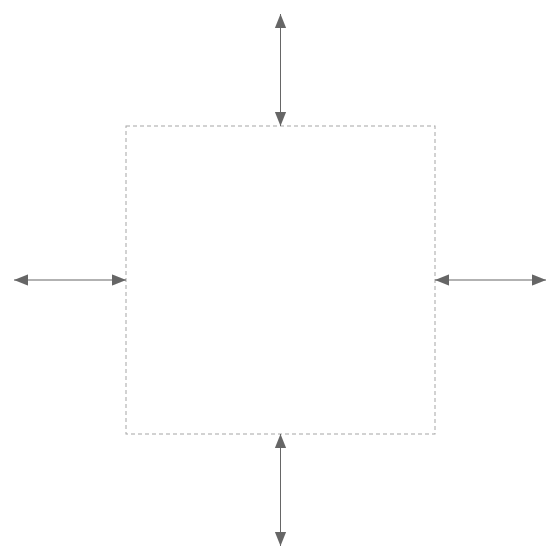
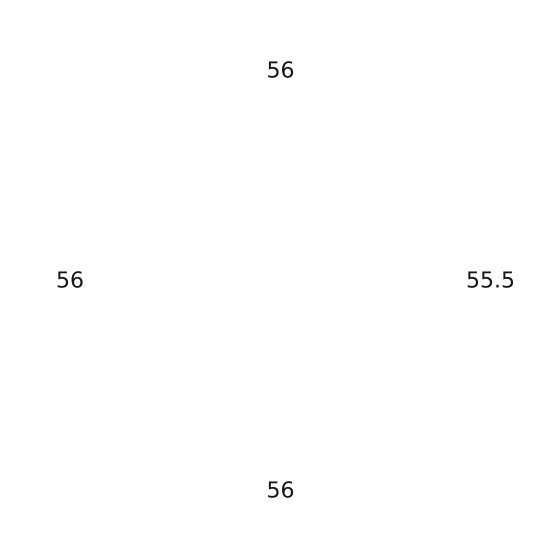
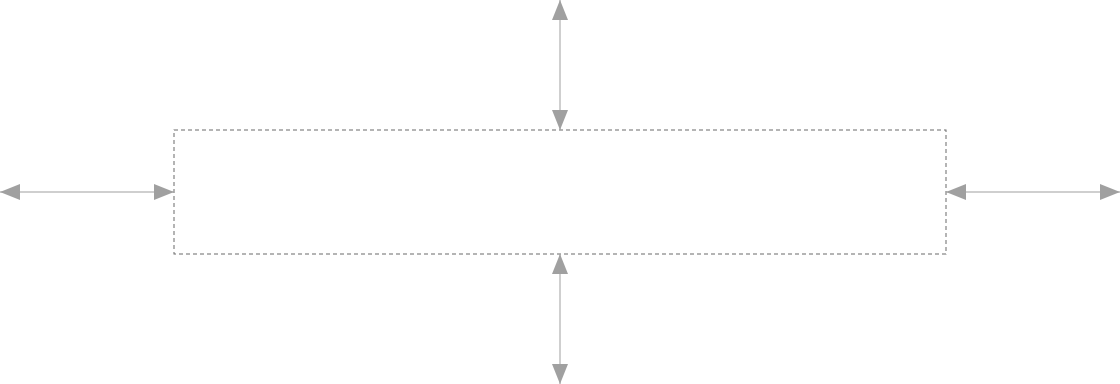
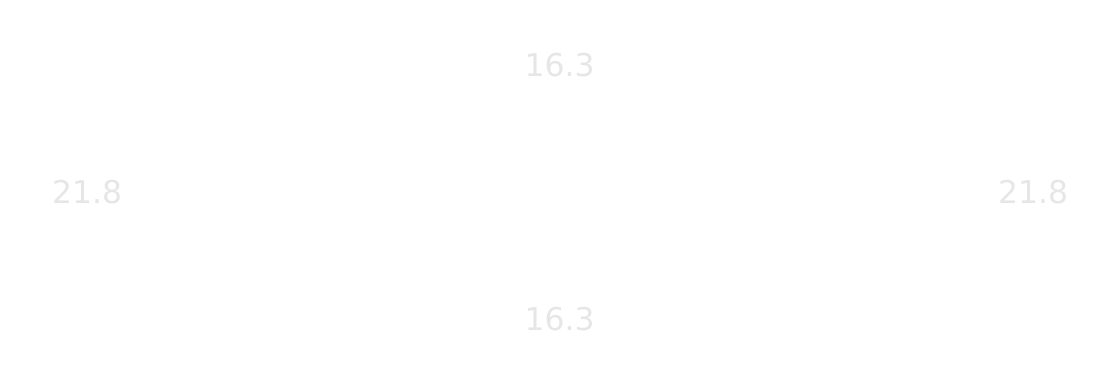
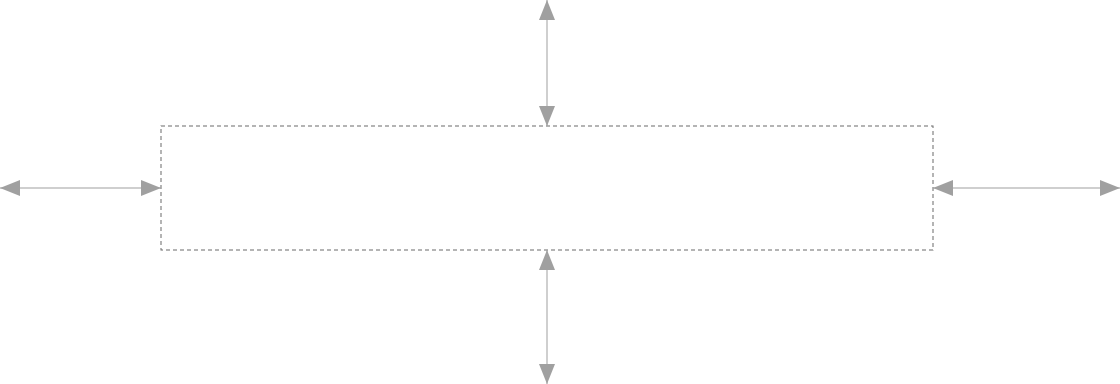
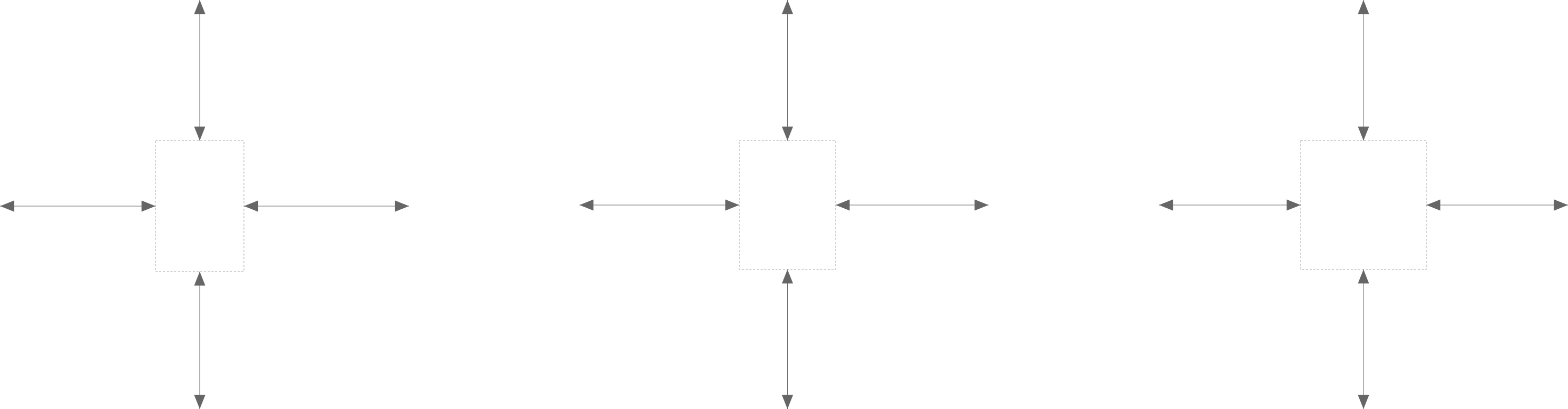
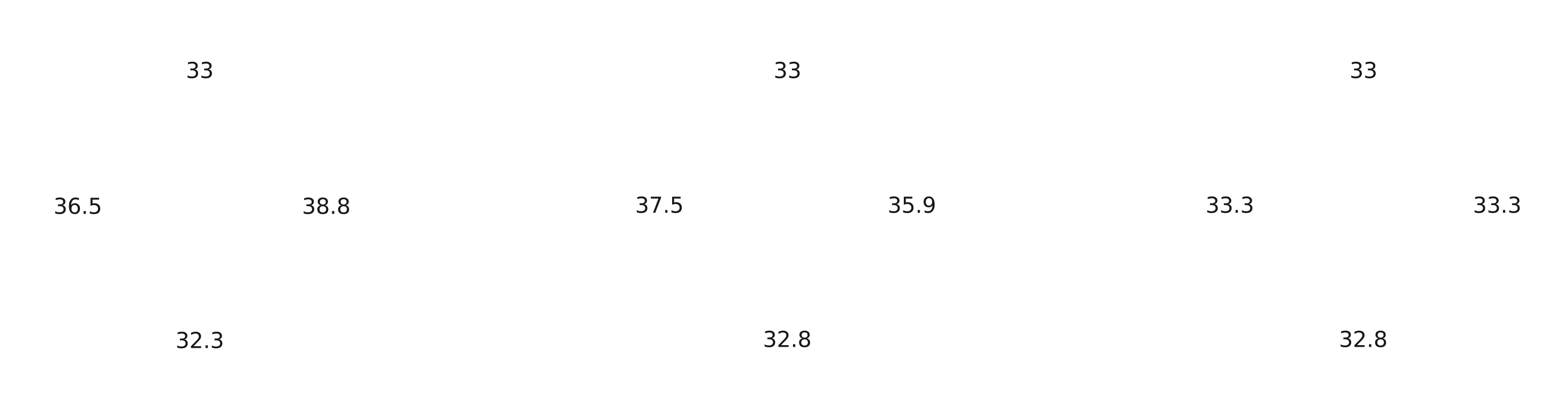
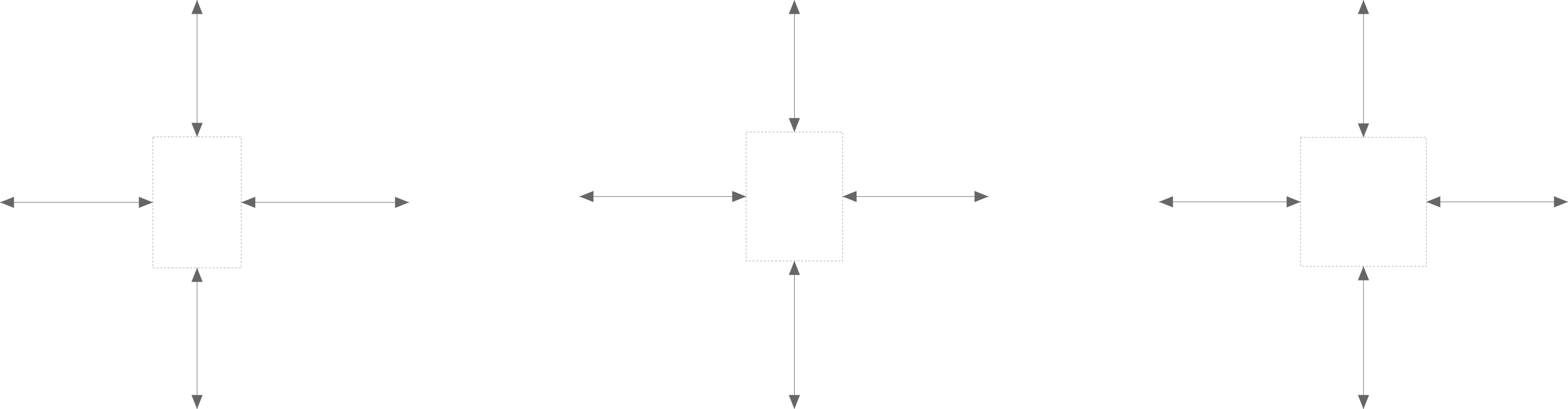
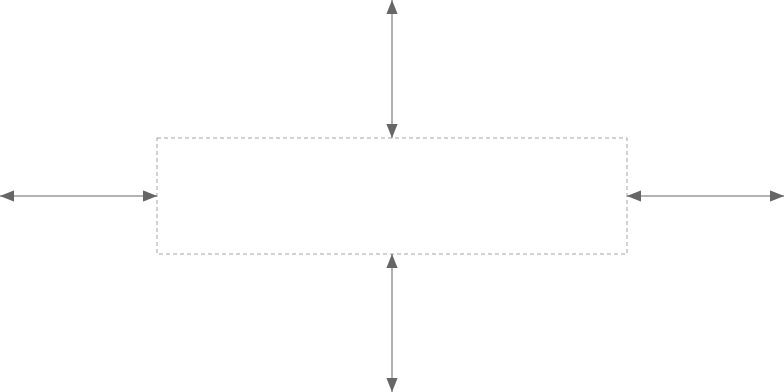
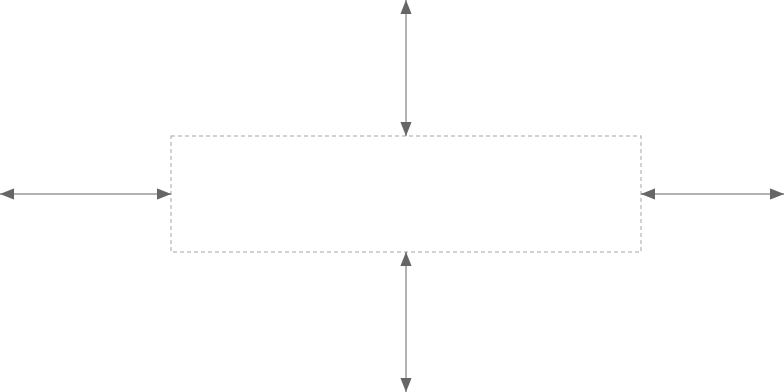
The dashed box is the ink box, and the numbers around it give its distance to the container, in pixels of the figure. They fade in and out.
Everyday fixes
A play icon in a round button
A play triangle has two thirds of its area in its left half. Centered by its box, it looks pushed left, and designers nudge it right by eye. The skill puts a number on the nudge: 5.5% of the icon, or 1.3px at 24px.

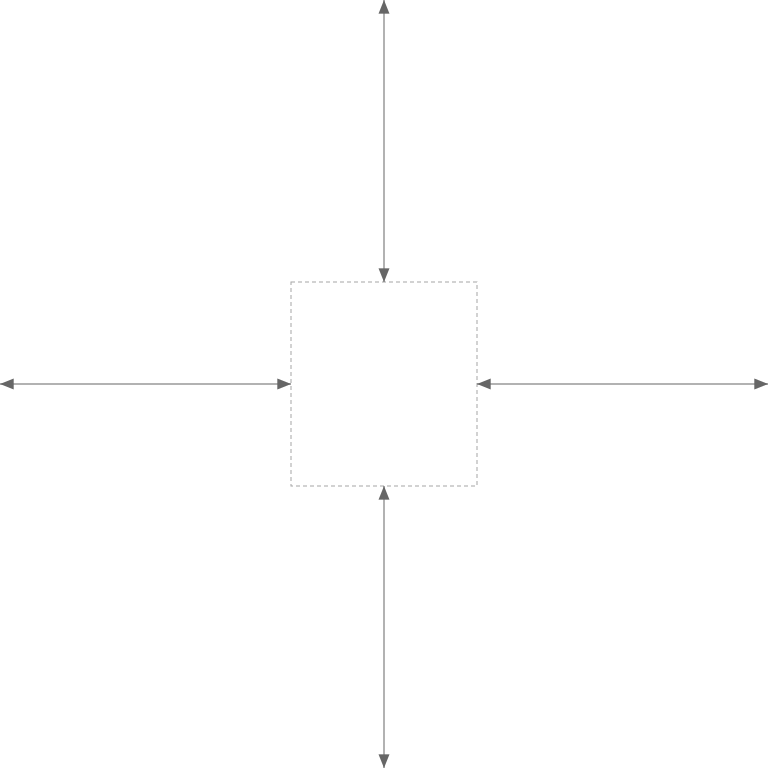
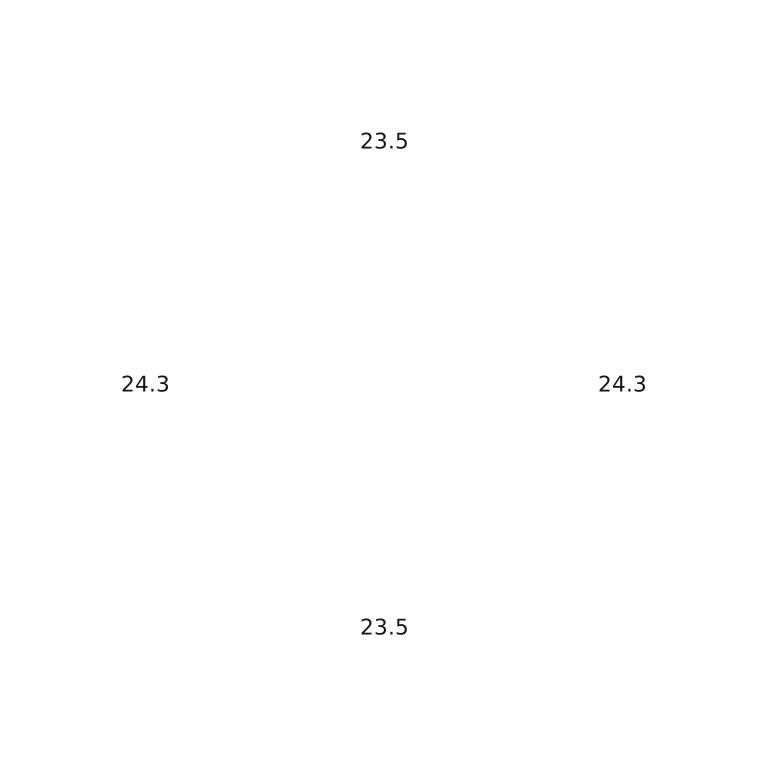

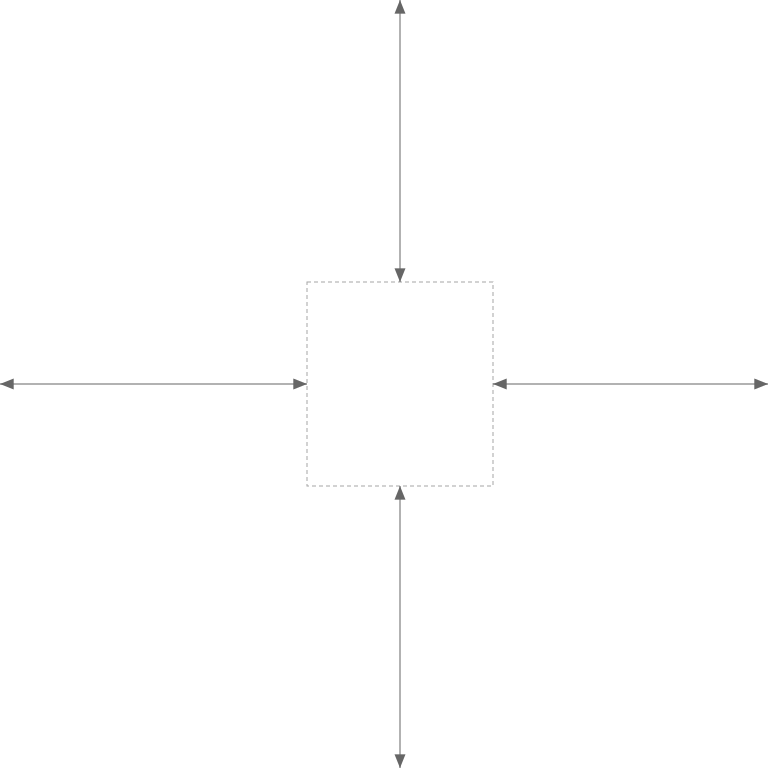
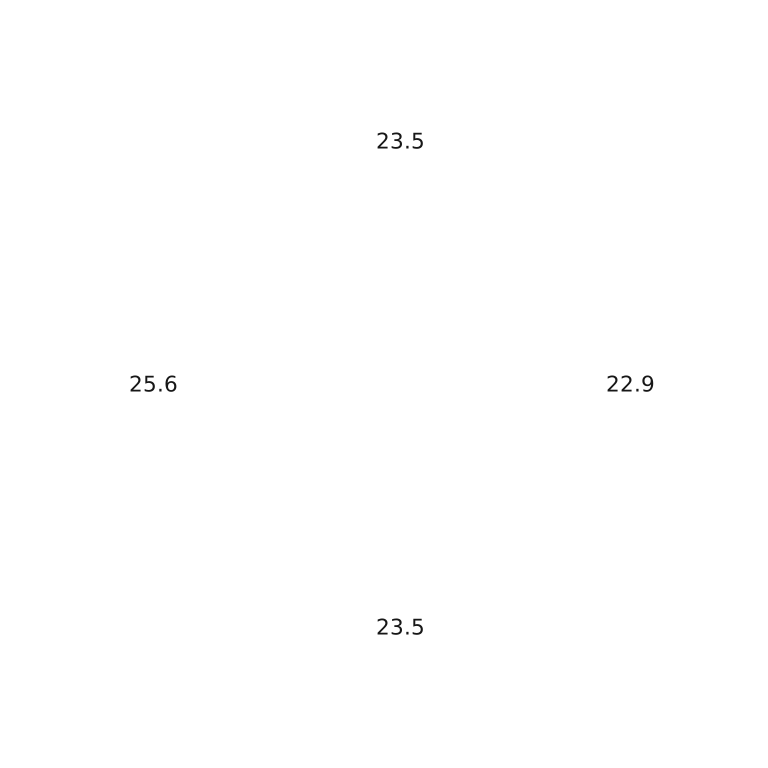
An arrow is the mirror case. Its head carries more ink than its shaft, so it moves left, 0.9px at 24px.
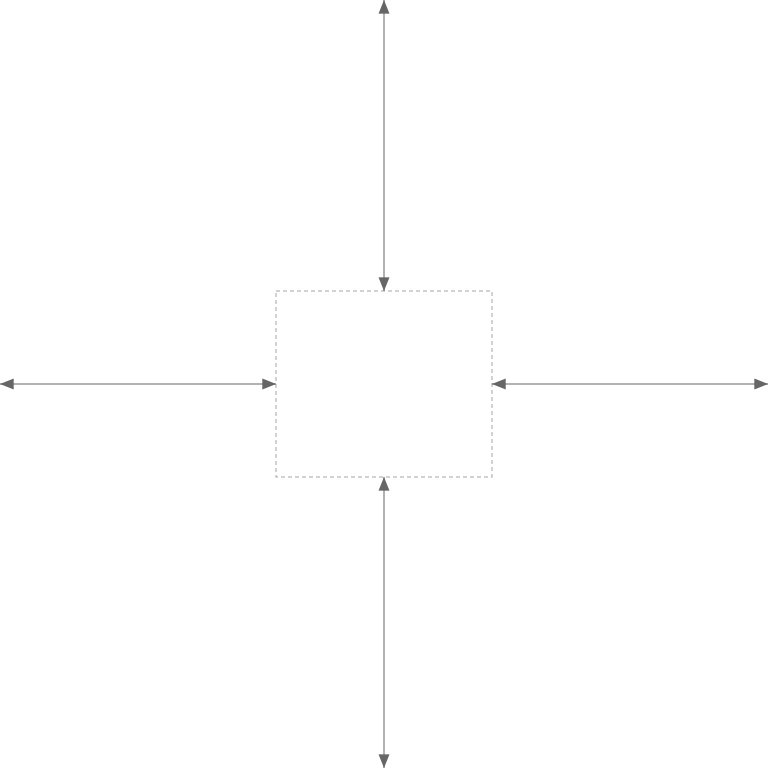
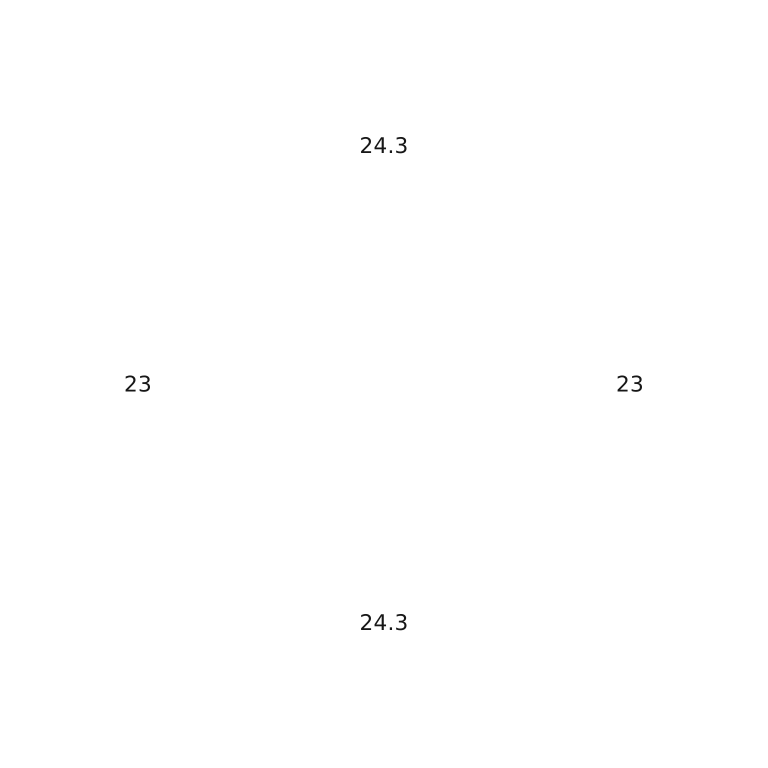
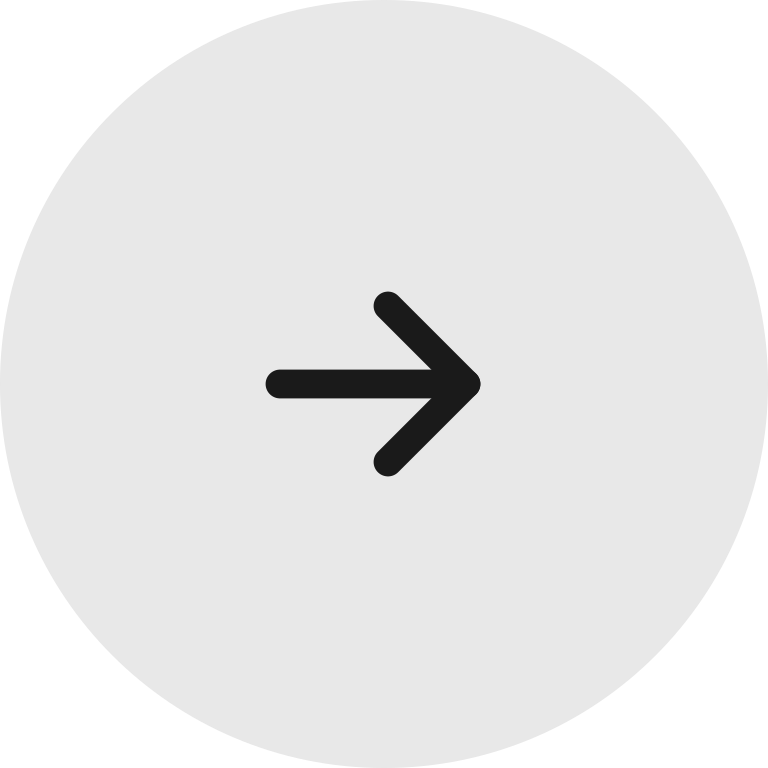
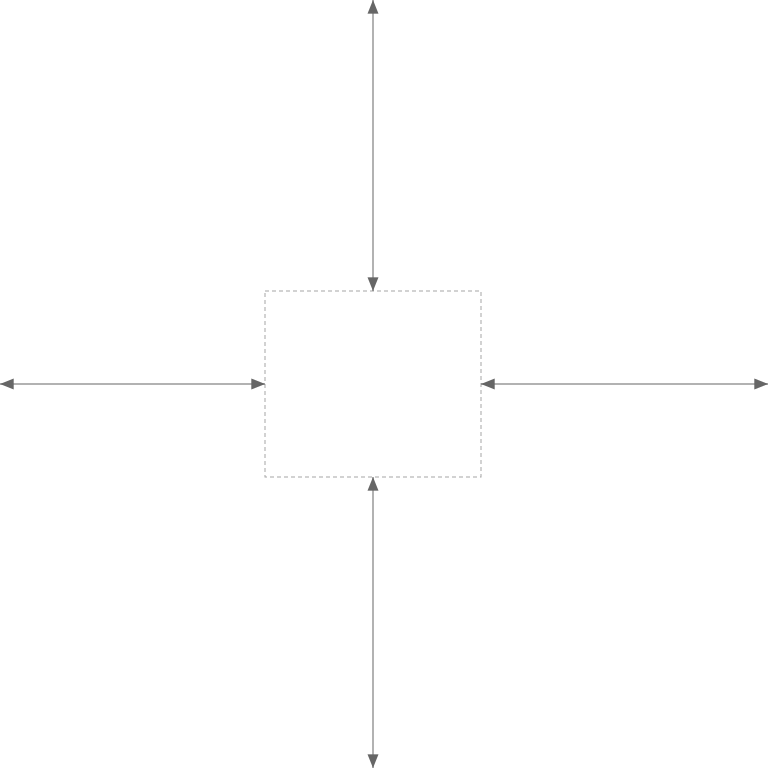
Enlarged. The button is 64px, and the icon is 24px.
Store the offset in the icon component, as a percentage. Every button that shows the icon then gets it, at every size.
An icon beside a label
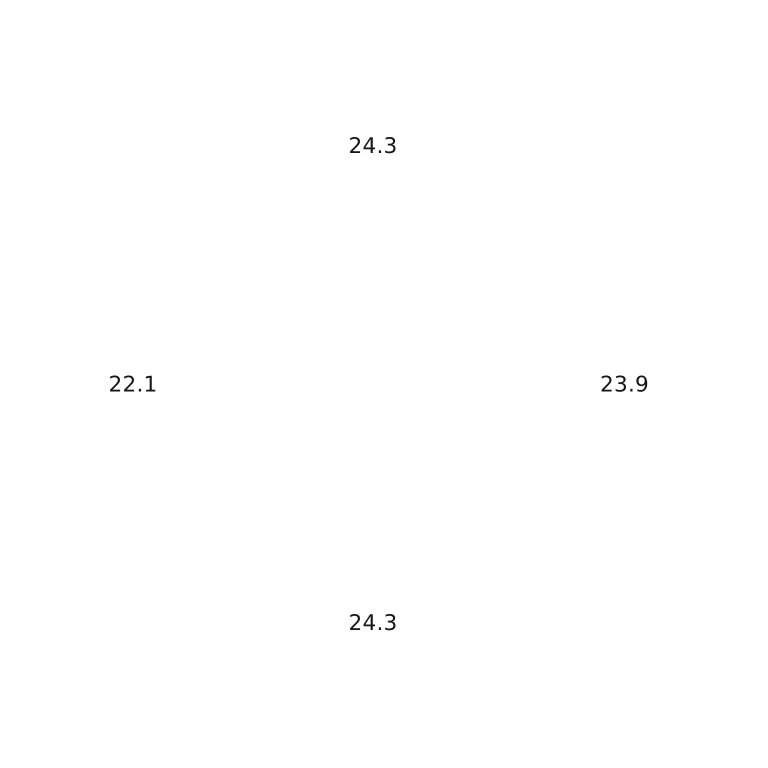
Equal padding centers the content box, but the word carries more ink than the icon, so the content looks shifted toward the word. The fix is a little less padding on the icon side: 20.2px and 23.3px instead of 21.8px on each side.


Initials in an avatar
When a company has no logo, apps draw its initials on a colored disc and center each letter by its font box. The letters sit high, and J and L lean to one side. Each letter needs its own offset, up to about 0.05em, so I measure one per letter, once per font.


Equal height is not equal size
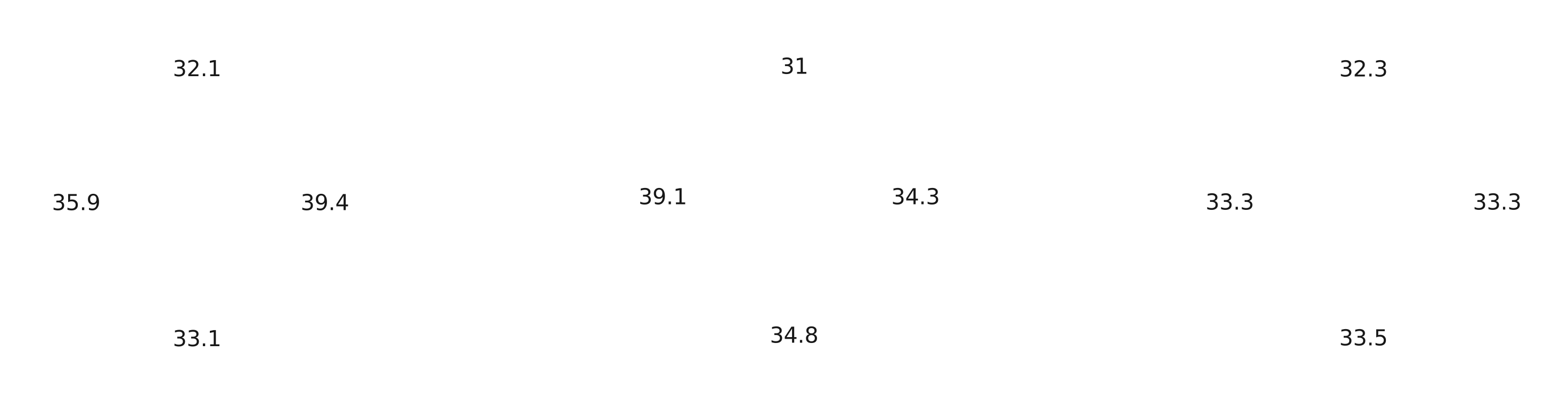
Give nine logos the same height, and the row looks uneven. Netflix, Slack, and Amazon carry the most ink and look largest. Apple looks smallest.






The skill scales each logo to the perceived size of the smallest one, so none grows past its cell, and centers each on its visual center. The size spread, the gap between the largest and the smallest perceived size, drops from 34% to 1%.
Faint color counts less
The eye gives faint ink less weight. The Amazon wordmark has black letters and an orange smile. Count every pixel the same, and the letters sit too high. So the skill weights each pixel by its contrast against the background, squared. The smile counts for less, and the wordmark moves down 7.0% of its height from where its box would put it. That is the old advice that a logo should sit a bit lower, with a number on it.

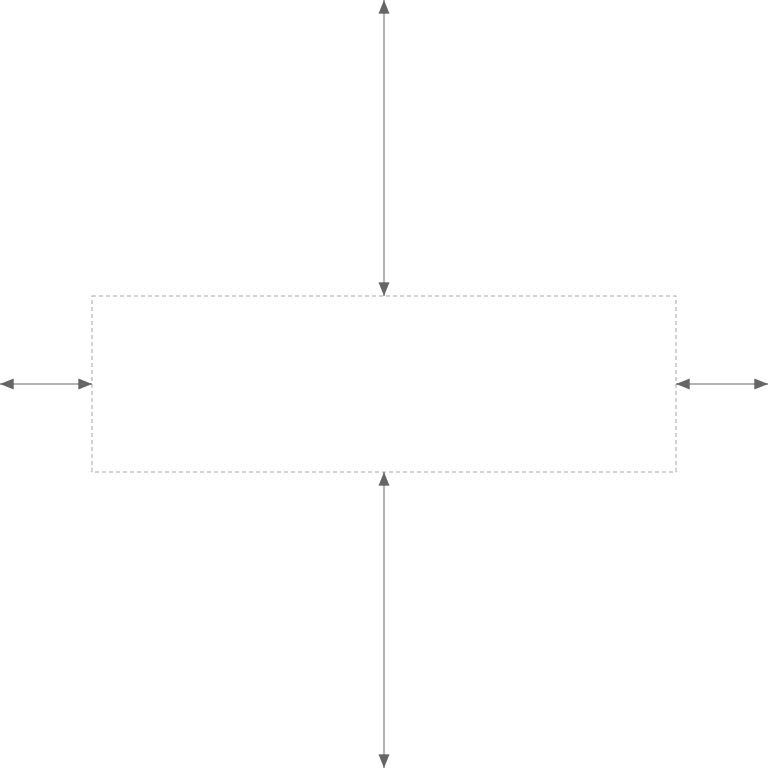
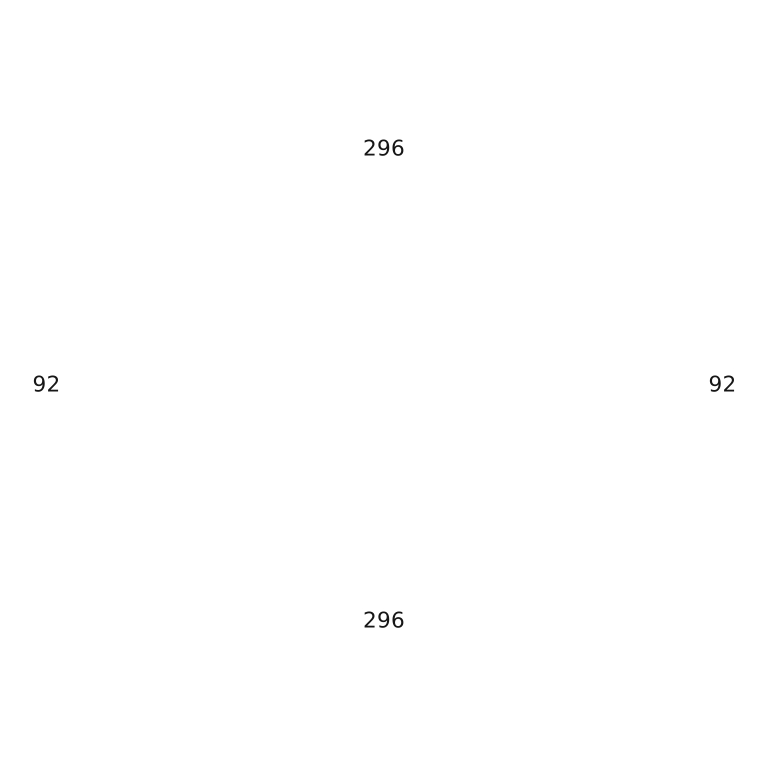

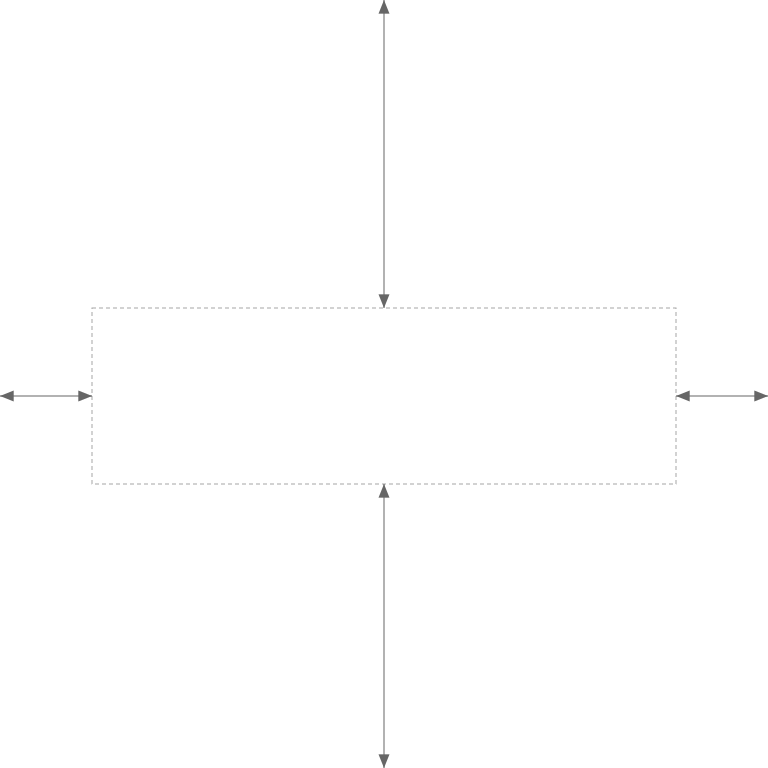
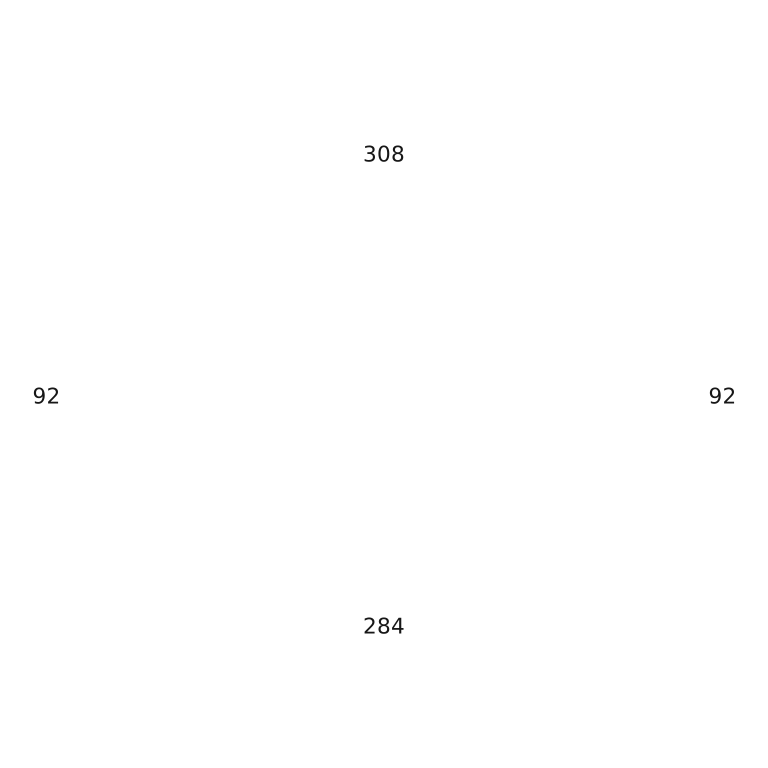
The background is part of the measurement. On black, the smile has more contrast and counts for more, so the offset is 6.5%. Measure each theme against its own background.

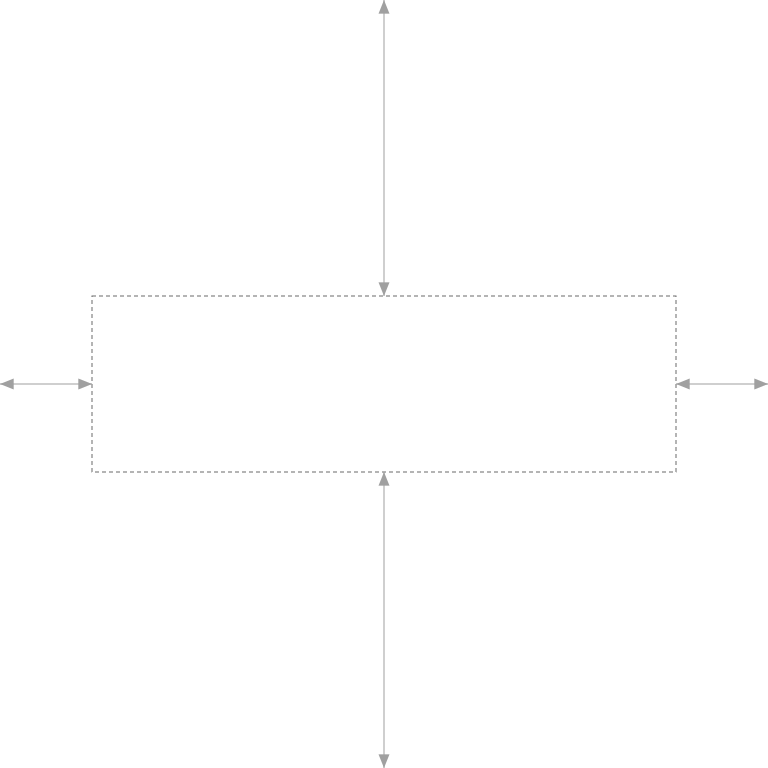
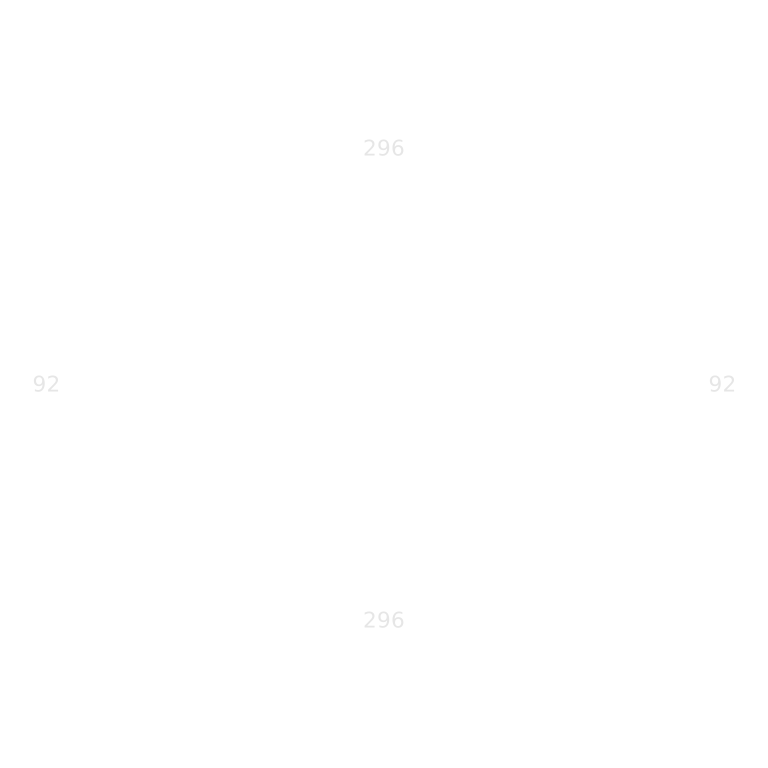

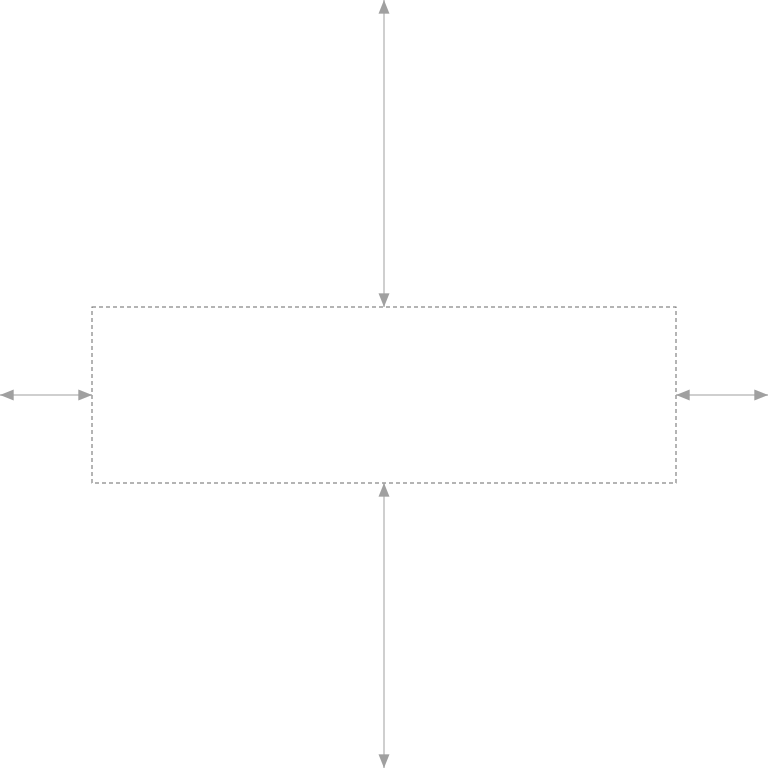
A faint part is not always an accent. The lighter blue of PayPal is 41% of its ink: a second color, not a detail. Discount it, and the wordmark sits off its tile. So the discount applies only when the faint part is a third of the mark or less. PayPal keeps both blues at full weight, and the skill moves it 3.6% of its width to the right, because its monogram carries more ink than its letters.


Try it
Design tools align layer boxes, so every fix above is a manual nudge today. I built a small canvas where the align buttons have a second mode, Optical, which aligns each layer by its visual center and its edges by the ink.
Select the five shapes in the bottom row and align their vertical centers, with the button or ⌥V. Then switch between Geometric and Optical; the switch replays the last align. The square and circle stay still, because they are symmetric. In Optical, the triangle and star move up, and the heart moves down.
Pink marks the center of a layer's box, and cyan its visual center. Click into the canvas before you use the shortcuts.
Using it
You need Node 18.17 or later and an agent that reads skills, such as Claude Code, Codex, Cursor, OpenCode, or Gemini CLI. Install the skill:
npx skills@latest add kairevicius/skills \
  --skill optical-balance
Then ask your agent in your own words, for example:
- The play icon in our round button looks off center. Fix it.
- Make these partner logos look the same size in a 32px row.
- Bake these company logos into 96px avatar tiles.
The agent measures each mark against the background it renders on, and puts the offset where the position is set: the icon component, the asset, or the layout, never one instance. Then it measures the rendered result and corrects what is left. It stops within 1% of center, or at a size spread of 3% or less. The fix is a plain translation:
/* CSS: the icon component stores its own offset */
.icon-play { transform: translateX(5.5%); }

/* SVG: put the offset into the symbol */
<g transform="translate(1.3 0)">…</g>
The script also runs on its own, on Node with sharp:
cd optical-balance/scripts && npm ci        # once, to install sharp

node optical.mjs measure  logo.svg --bg 255           # find the visual center
node optical.mjs measure  logo.png --bg "#141414"     # on a dark background
node optical.mjs equalize a.svg b.svg c.svg --height 40   # equal perceived size in a 40px row
node optical.mjs tile     logo.svg --out tile.png     # bake a tile with optical centering
To check a set, measure each rendered logo and compare the perceived size lines. The nine logos above measure 33.6px to 34.1px.
What it gets wrong
- The wrong background gives a wrong number that looks right. Measured against black instead of white, the Amazon offset comes out as 6.2% instead of 7.0%, and nothing warns you. So the background is always an explicit input.
- It reads contrast, not meaning. It can crop a portrait around its subject on a plain backdrop, but on a busy photo it finds the busiest region, not the face. A busy photo needs a face or subject detector first.
- It never lands exactly on center. Placement snaps to whole pixels, and edge pixels blend into the background. So it measures again until the result stops changing, and accepts anything within 1% of the container.
- It is a heuristic. Test figures set its constants, not people, and I have not run a preference study yet.
How the measurement works
For the curious, here is the whole method. Vector input is rasterized first, at a 1024px longest edge, so an SVG measures like the bitmap a browser paints. Each pixel then gets two weights, one for position and one for size.
luma           = 0.299 R + 0.587 G + 0.114 B     Rec. 601
contrast       = min(1, hypot(luma contrast, OKLab chroma distance / 0.25))
ink contrast   = hypot(luma contrast, OKLab chroma distance)
                 at 0.02 or less, the pixel is background
mass weight  w = alpha × contrast²               for position
size weight  s = alpha × contrast                for size








Squaring the contrast is what lets a faint accent count less: at half contrast, a pixel gets a quarter of the weight. The Amazon letters keep a weight of 0.77, and the smile drops to 0.61. Size uses plain contrast instead. Squared, it would measure a coral wordmark a third smaller than a black one of the same shape.
alpha centroid   Σ(alpha · p) / Σ alpha
mass centroid    Σ(w · p) / Σ w
accent share     Σ alpha where contrast < 0.6  ÷  Σ alpha
mass             both color and luma shares ≤ 1/3 ? mass centroid : alpha centroid
extent           center of the ink box, pixels with alpha ≥ 128
                 (bounds averaged across contrast 0.3–0.5 while discounted)
visual center    extent + 0.5 × (mass − extent)
offset           container center − visual center     positive y moves down
Extent is the box center and mass is the weight center. The ink box counts only pixels that are at least half opaque, so faint edge pixels from resampling cannot stretch it to the edge of an accent the mass has discounted.
visual size      √ Σ s
perceived size   √( visual size × ink height )
baseline         min( row height ÷ ink height , max width ÷ ink width )
correction       target perceived size ÷ baseline perceived size
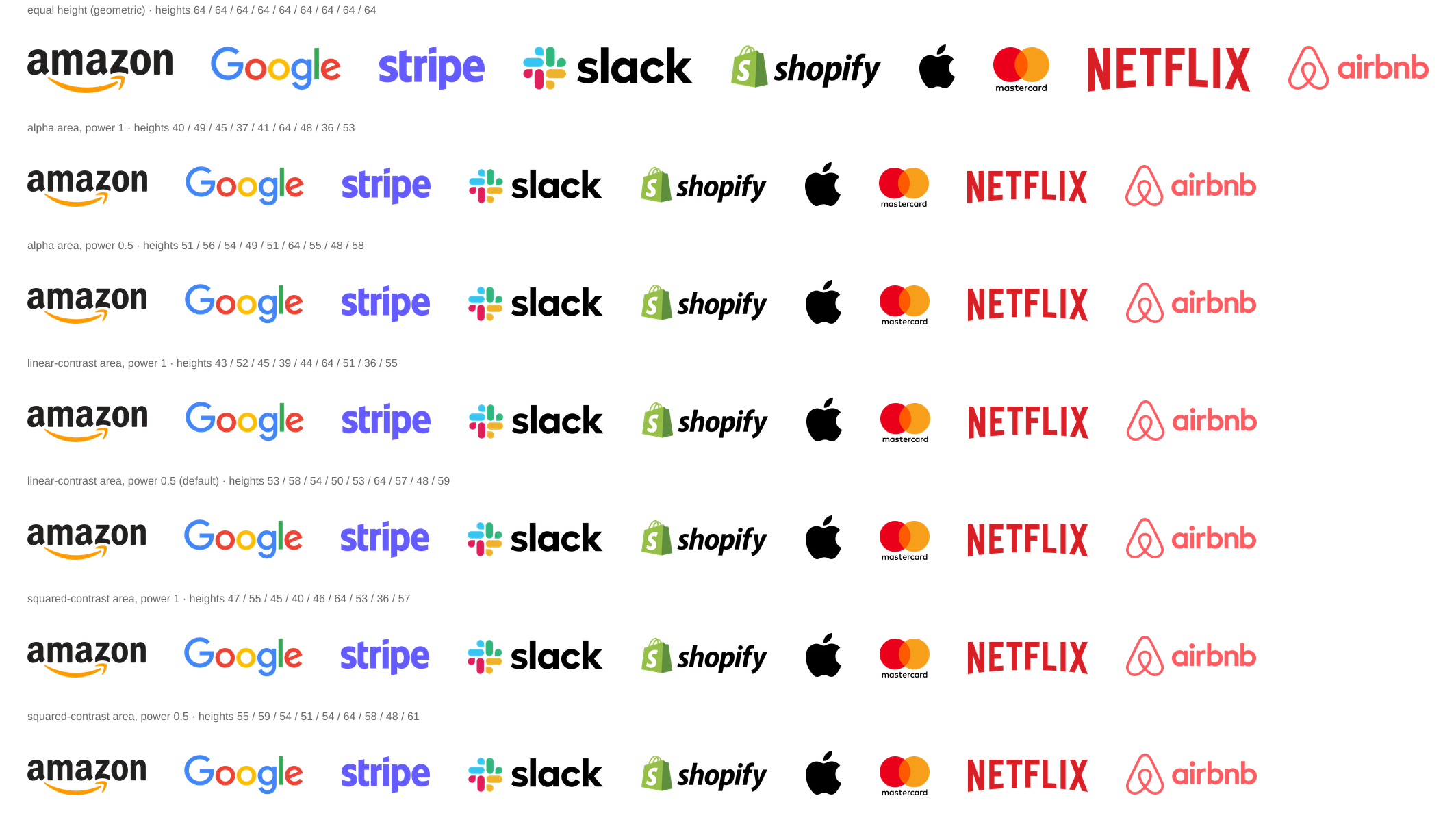
Perceived size gives the ink's area and its height equal weight, the same way the visual center does. Each logo is fitted to the row first, then scaled toward the target: the smallest perceived size, or one named logo when a set has a keyline. Scaling by the square root of the size ratio equalizes a row; the full ratio goes too far. I picked it from seven variants of the strip, in the experiment sheet.
| logo | equal height | visual size | scale | rendered |
|---|---|---|---|---|
| Amazon | 132 × 40 | 42.4 | ×0.82 | 109 × 33 |
| 121 × 40 | 35.5 | ×0.90 | 109 × 36 | |
| Stripe | 96 × 40 | 40.5 | ×0.84 | 81 × 34 |
| Slack | 158 × 40 | 47.4 | ×0.78 | 123 × 31 |
| Shopify | 140 × 40 | 41.7 | ×0.83 | 116 × 33 |
| Apple | 33 × 40 | 28.7 | ×1.00 | 33 × 40 |
| Mastercard | 52 × 40 | 36.3 | ×0.89 | 46 × 36 |
| Netflix | 148 × 40 | 51.4 | ×0.75 | 111 × 30 |
| Airbnb | 128 × 40 | 33.4 | ×0.93 | 119 × 37 |
Sizes in px at a 40px row. The target is the smallest baseline perceived size, 33.9px.
The constants, and why each one has its value:
| constant | value | controls | set by |
|---|---|---|---|
| background contrast | 0.02 | which pixels are background, not ink | low enough to drop the background, so a white backdrop in the file does not pull every center to the middle |
| extent alpha | 128 | which pixels set the ink box | half opaque, so faint edge pixels from resampling cannot stretch the box |
| accent contrast | 0.6 | which ink is faint | splits faint ink from strong ink when the skill checks for an accent |
| extent transition | 0.3–0.5 | smooth extent bounds | a band below the faint line, so an accent eases into the ink box; checked on orange smiles on white and cream |
| chroma scale | 0.25 | color weighting | a working scale; the color test figures keep results stable, but people have not tuned it |
| accent max share | 1/3 | when faint ink stops being an accent | the lighter PayPal blue is 41% of its mark and must keep its full weight |
| center blend | 0.5 | where the visual center sits between box and weight | the box center and the weight center miss a triangle by 12.8px and 12.7px, in opposite directions |
| size power | 0.5 | how strongly a set is equalized | seven variants of the logo strip, side by side; at one ink height it makes perceived sizes equal |
Prior art
Designers already make these corrections by eye. The skill puts a number on them.
- Jakub Krehel's list of interface details gives the icon side of a button slightly less padding, and fixes icon shapes in the SVG itself. jakub.kr
- "A play button centred by coordinates looks left-heavy. Nudge it right and it sits." The play button above measures that nudge. index.how
- Refactoring UI explains that bold text looks emphasized because it covers more surface, and that icons look heavy for the same reason. Surface times contrast is the size weight here.
- Helena Zhang's icon series draws a dot slightly larger than the stroke, because a dot at the stroke weight looks too small. It is the same kind of correction, at the level of a glyph. minoraxis